WATCH WATCHING SPORTS

EUROPEAN FOOTBALL WATCH

Your match, on your wrist.

Follow domestic leagues, UEFA competitions, and national-team tournaments. The dedicated match face keeps score, clock, match phase, recent events, and shootout state within a glance.

No ads. No subscription. Just the match.
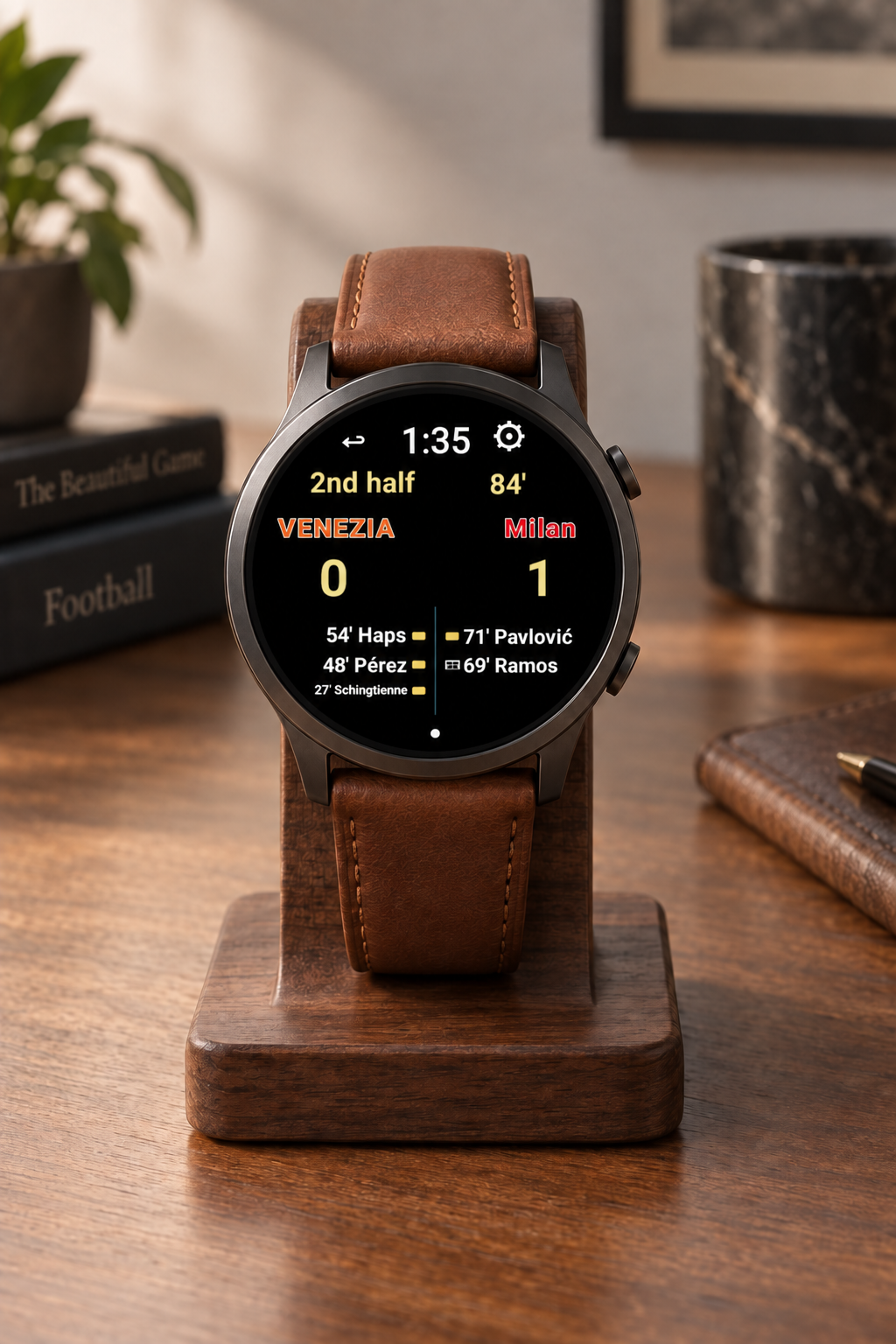
European Football Watch with a live match score displayed on a walnut desk stand with a fine brown leather band

BUILT FOR THE MATCH

From kickoff to the final whistle.

Club and country

Choose a favorite club or national team across domestic, UEFA, and international competitions.

Match context

See the score, match clock, phase, match events, and penalty-shootout state in the dedicated Live View.

Localized for Europe

European Football supports 40 European languages and locales for a familiar setup experience.

LIVE, AMBIENT, AND GAME LOG
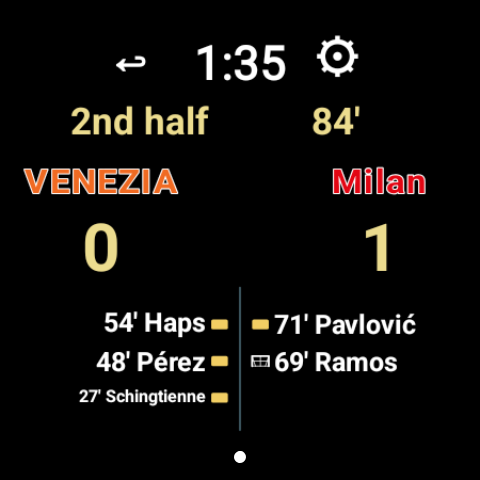
Three views from the same match, shown full size.

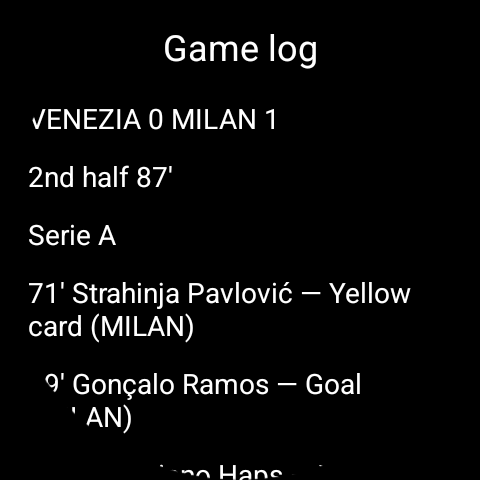
European Football Live View showing Venezia 0, Milan 1 in the second half
Live View
European Football ambient view showing only the native time and Venezia 0, Milan 1 score blocks
Power Saving Ambient View
European Football Game Log showing Milan leading Venezia 1 to 0 with a Pavlovic yellow card and Ramos goal
Game Log

EVERYDAY WATCH FACES

Choose Your Watch Face Between Games.

Between games, switch to a face that fits your day. These Wear OS faces keep time, heart rate, steps, distance, weather, date, and battery information readable at a glance on Google Pixel Watch and compatible Samsung Galaxy Watch models.
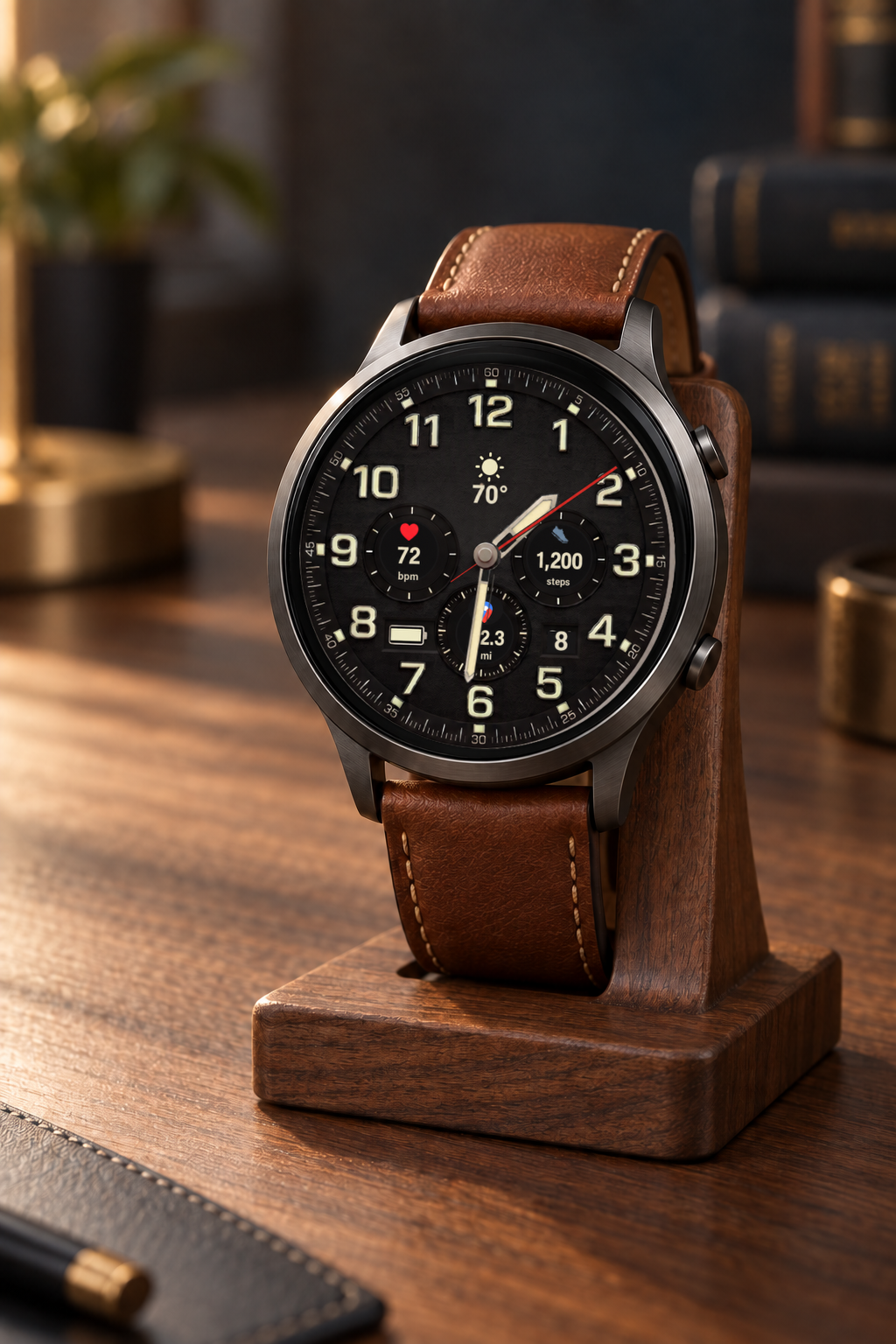
Explorer watchface showing sunny 70 degree weather, 72 bpm, 1,200 steps, and 2.3 miles on a premium watch displayed on a wooden stand

Field-watch character with live heart rate, steps, distance, date, weather, and separate interactive and ambient treatments.

QUICK START

Set up European Football Watch from your watchface.

  1. Apply European Football WatchIn the Wear OS watchface picker, select European Football Watch and make it active.
  2. Enter Live ViewTap the center of the active face. With no match selected, Live View opens its setup state.
  3. Choose your matchIn Live View, tap ⚙ Advanced to choose a competition, then follow a favorite club or national team, or select a specific match. Choose automatic Live View and final-score preferences there.
  4. Follow the matchTap the center for Game Log. Tap ↩ to return to your everyday face; controls hide in ambient and return when the watch wakes.